THE ECOMMERCE BOARDROOM
Menu

Category

Desk setup

Desk equipment is bought once and lived with for years, so the measurement that matters is not the specification sheet but the space between your eyes, your hands and the screen. A better light and a mouse that fits your grip change a working day more than a faster processor does.

Everything here fixes a position problem: where the light falls, where the wrists rest, where the screen sits. Those are the three things that quietly decide whether a long day at the desk ends with a headache or an aching shoulder.

The useful rule is to solve the position first and buy the hardware second, because a mount, a lamp and a keyboard are cheap compared to replacing a laptop. Leave enough slack in the cables and the whole setup can be moved and cleaned without being taken apart.

What actually decides a purchase here

  • Screen height and distance: the top of the panel roughly at eye level, the panel about an arm away.
  • Input devices that fit your grip, hand size, and whether you share the desk with anyone.
  • Lighting that illuminates the desk without throwing glare onto a glossy screen.
  • Cable slack and mounting clearance, so the desk can still be moved and cleaned.

Our picks in this category

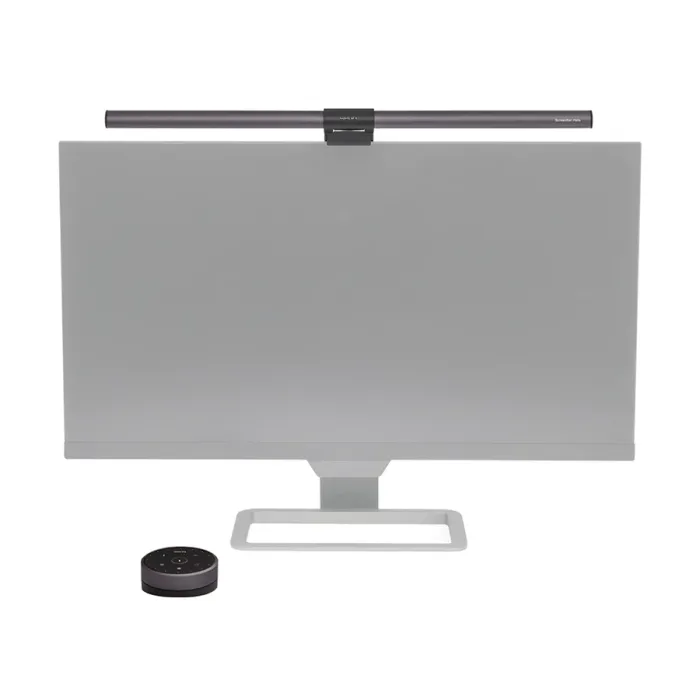
BenQ monitor light bar

Фото: merxwire.com

A bar that clips on top of the monitor and lights the desk instead of the room.

Best for
Anyone who works after dark in a room without good overhead light.
Watch out for
It depends on the screen bezel and on a USB port that can supply enough current.
Check price and availability
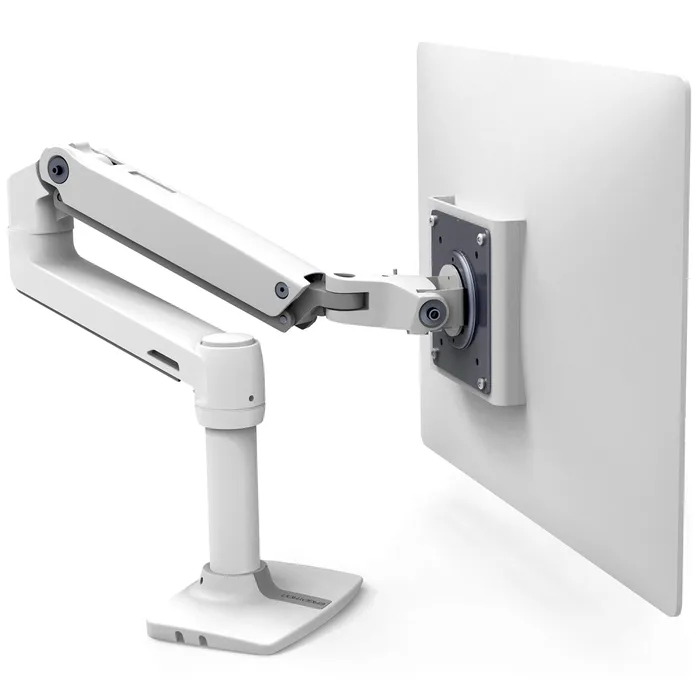
Ergotron LX desk monitor arm

Фото: manuals.plus

A clamped arm that lifts the screen off the desk and puts it where your neck wants it.

Best for
Anyone whose monitor sits too low, or who wants the desk surface back.
Watch out for
It needs a solid desk edge to clamp to, and the VESA holes on the back of the screen must match.
Check price and availability